What's New in OpenHands Enterprise: More Visibility, Governance, and Control

Written by
Joe Pelletier
Published on
What’s New in OpenHands Enterprise
As AI agents move from individual developer workflows to shared, always-on systems, organizations need more visibility and control over how those agents operate.
The latest OpenHands Enterprise release adds new capabilities for managing credentials, usage, integrations, and automations across your organization, along with a refreshed experience aligned with Agent Canvas.
Here are the highlights:
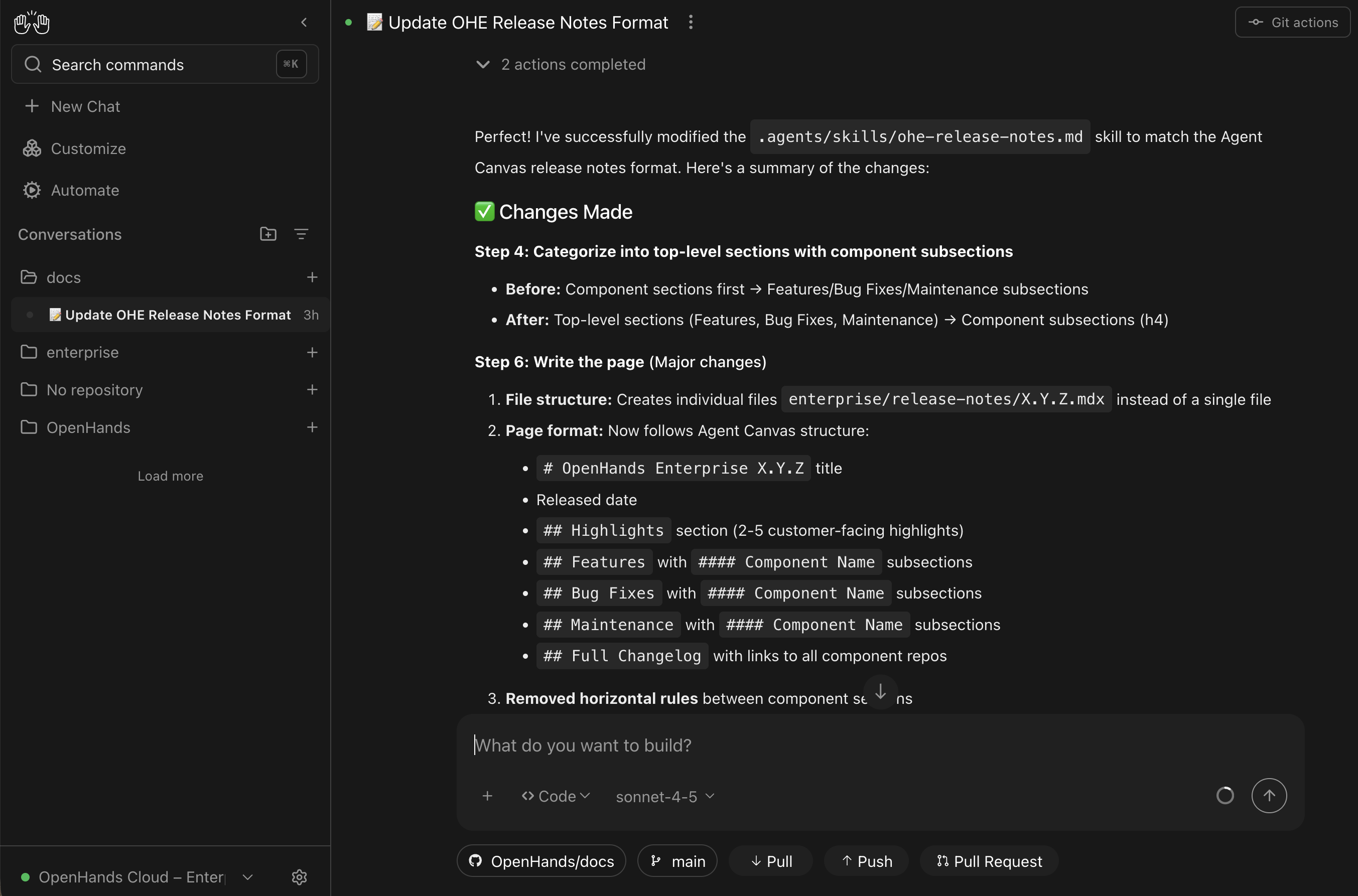
A refreshed OpenHands Enterprise experience
OpenHands Enterprise now features an updated interface aligned with the OpenHands Agent Canvas experience, making it easier for developers and administrators to navigate conversations, configuration, and organizational settings.
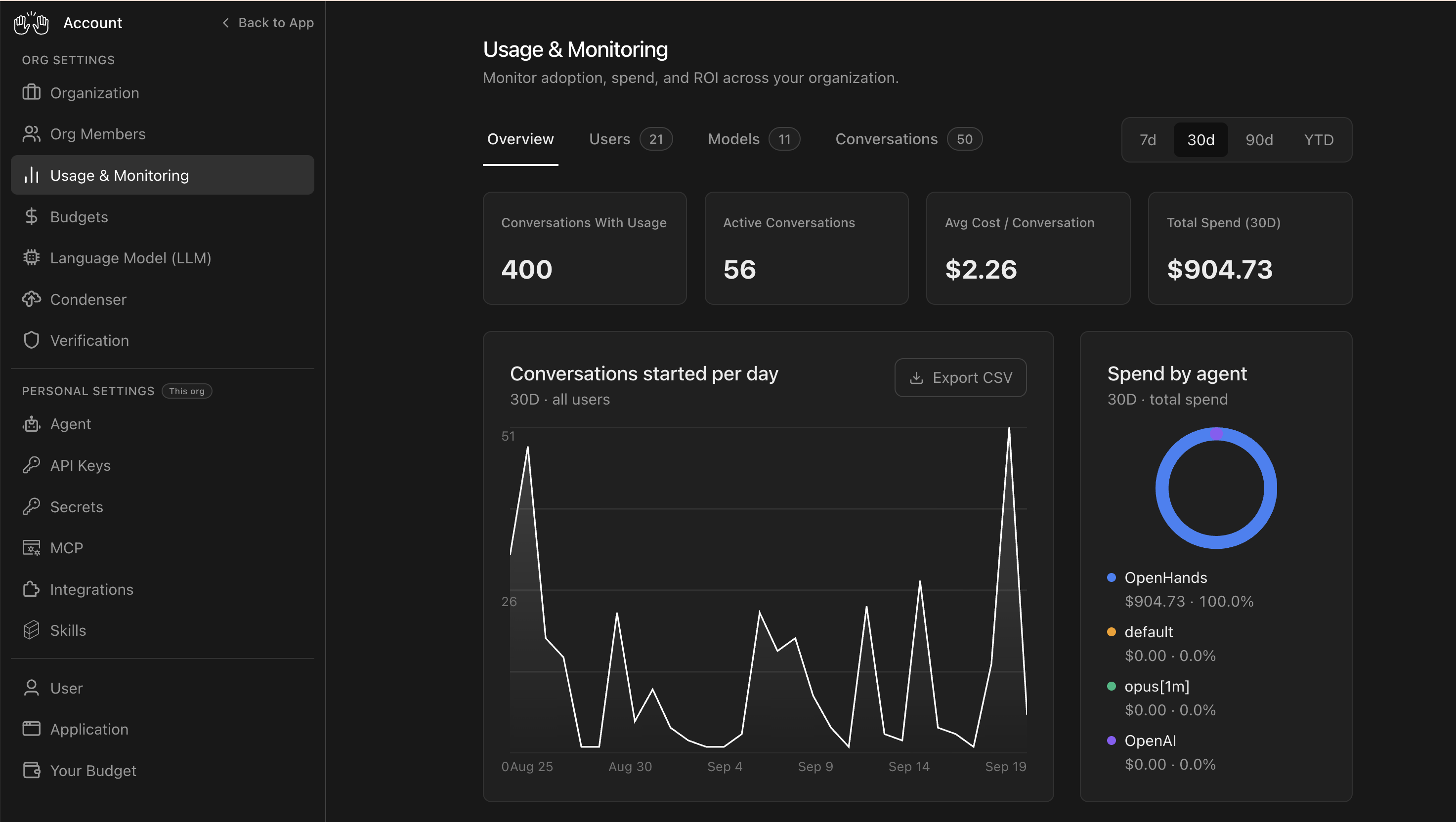
The redesigned Settings experience is available from the gear icon in the lower-left corner, providing a clearer home for managing OpenHands Enterprise.
Share secrets securely across your Organization
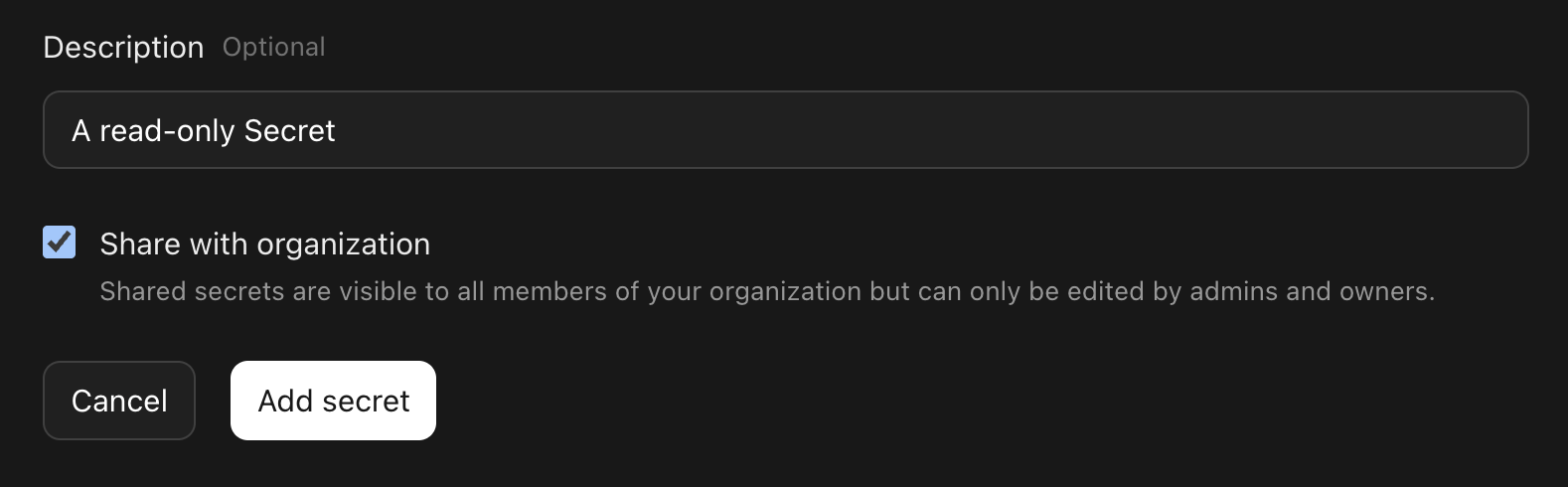
Administrators can now configure Organization-scoped Secrets that can be securely shared across users and workflows.
For example, an administrator could provide a shared, read-only PostHog API key that developers can use without requiring every user to configure their own credentials.
Organization Secrets are available under Settings > Secrets.
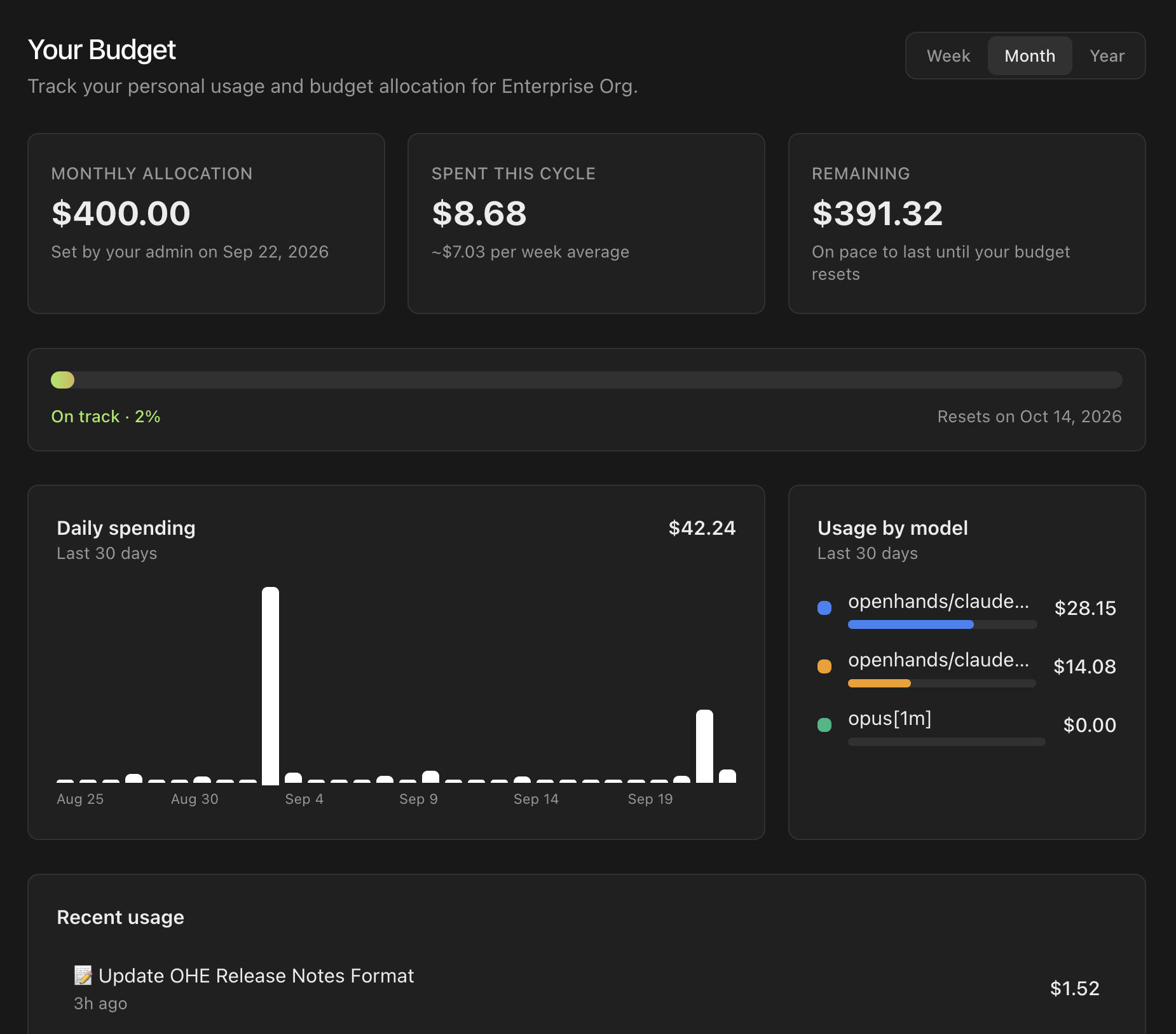
Understand your usage with the “Your Budget” Dashboard
Organization members can now see detailed information about their OpenHands usage and how much of their monthly budget allocation they’ve consumed.
Available under Settings > Your Budget, the new dashboard gives users greater visibility into their own spend and helps teams make usage and cost more transparent.
Connect OAuth-enabled MCP servers with your own identity
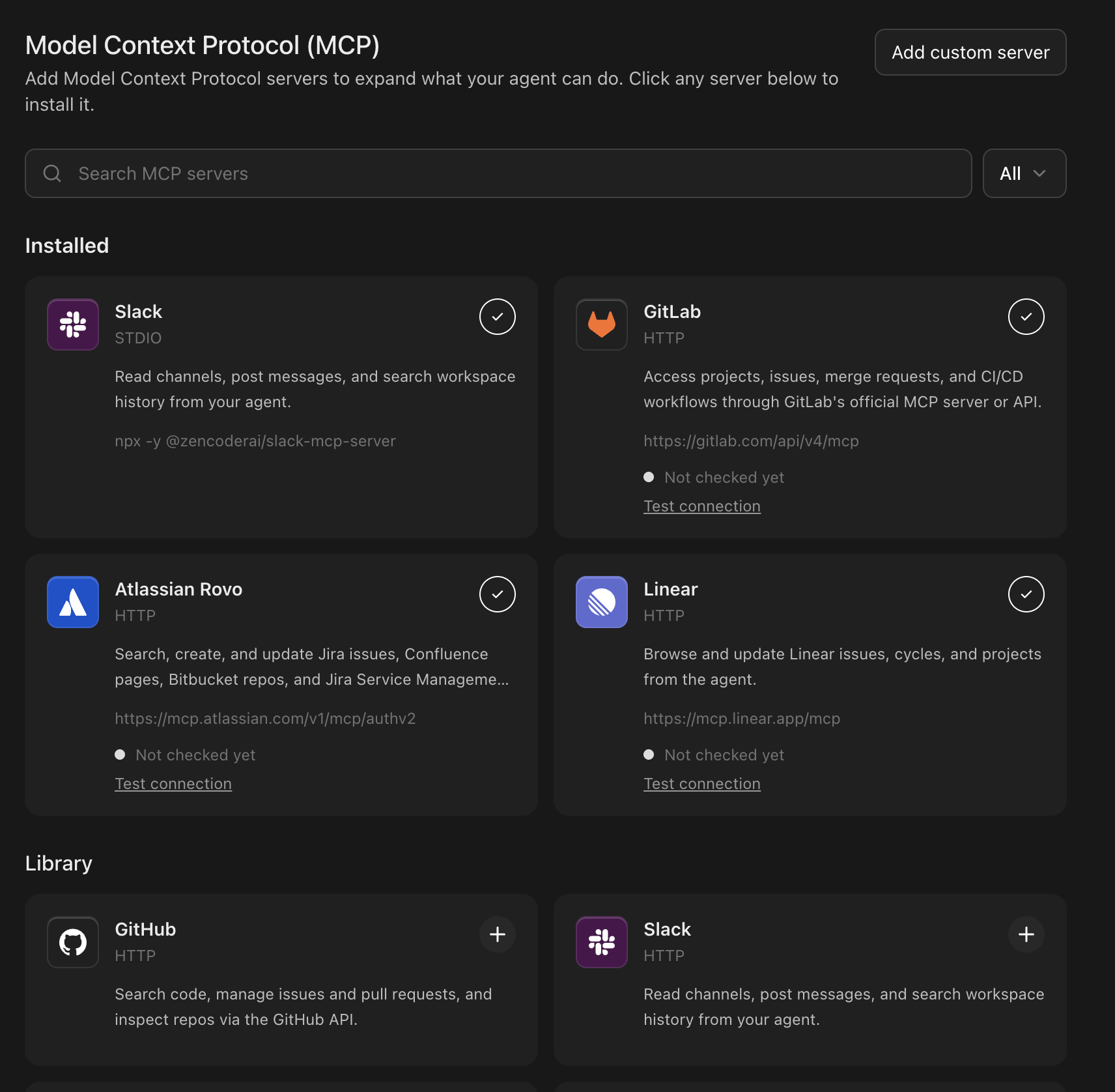
OpenHands Enterprise now supports OAuth authentication for MCP servers.
Users can connect to supported systems using their own identity instead of manually configuring credentials. OpenHands Enterprise also includes a catalog of popular OAuth-enabled MCP servers, including GitLab and Atlassian Rovo, under Customize > MCP Servers.
Once connected, these MCP servers can be used directly within OpenHands conversations, making it easier for agents to securely interact with the tools developers already use.
See and manage the Automations across your Organization
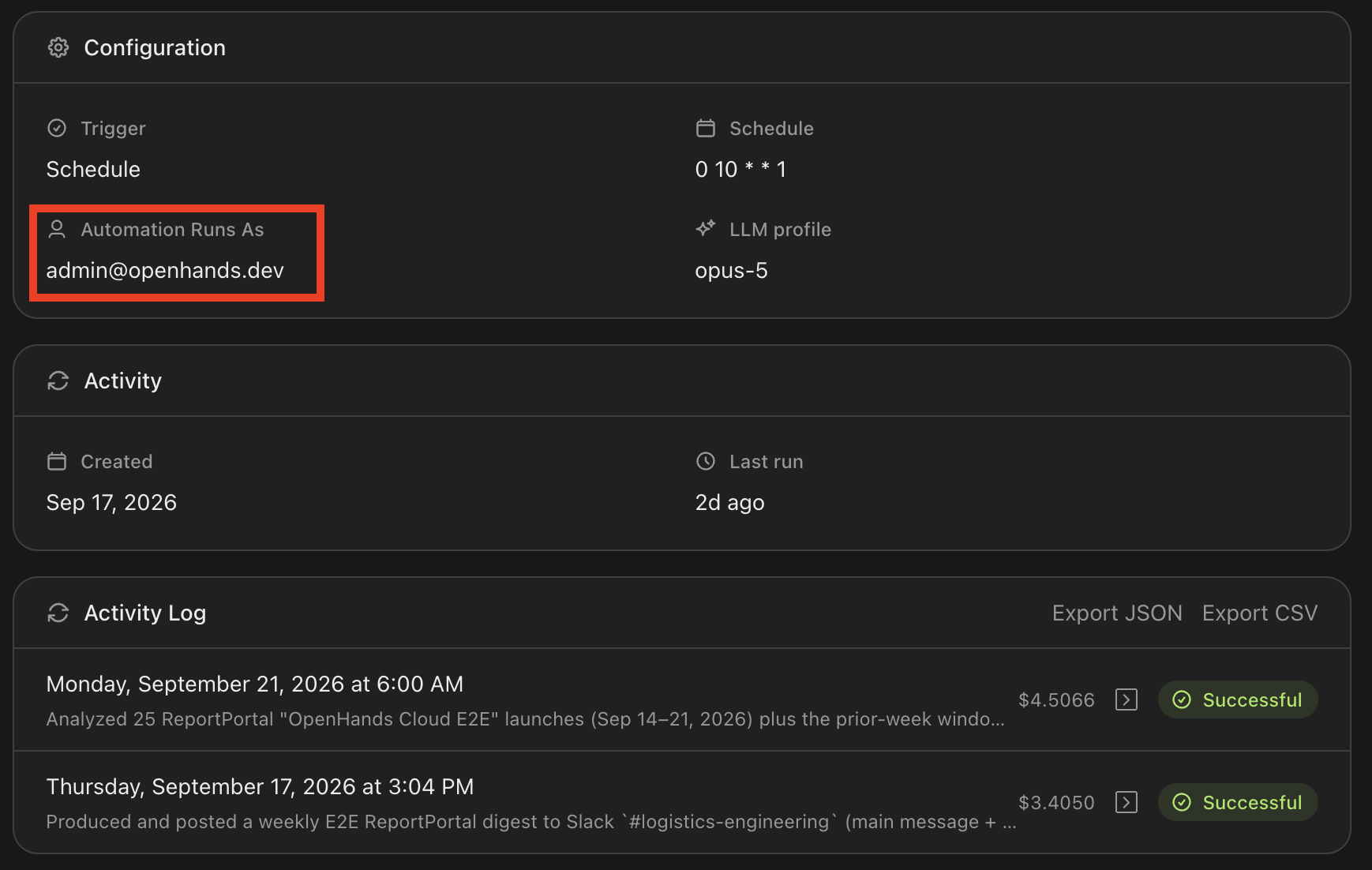
Automations are now visible across an OpenHands Enterprise Organization.
Organization members can see Automations created by other users, and which user identity each Automation runs as. This gives teams a clearer picture of the background workflows powering their agentic SDLC.
It also gives administrators more control over organizational automation, including the ability to disable or delete workflows that are no longer needed.
Manage Automations as code with Git Sync
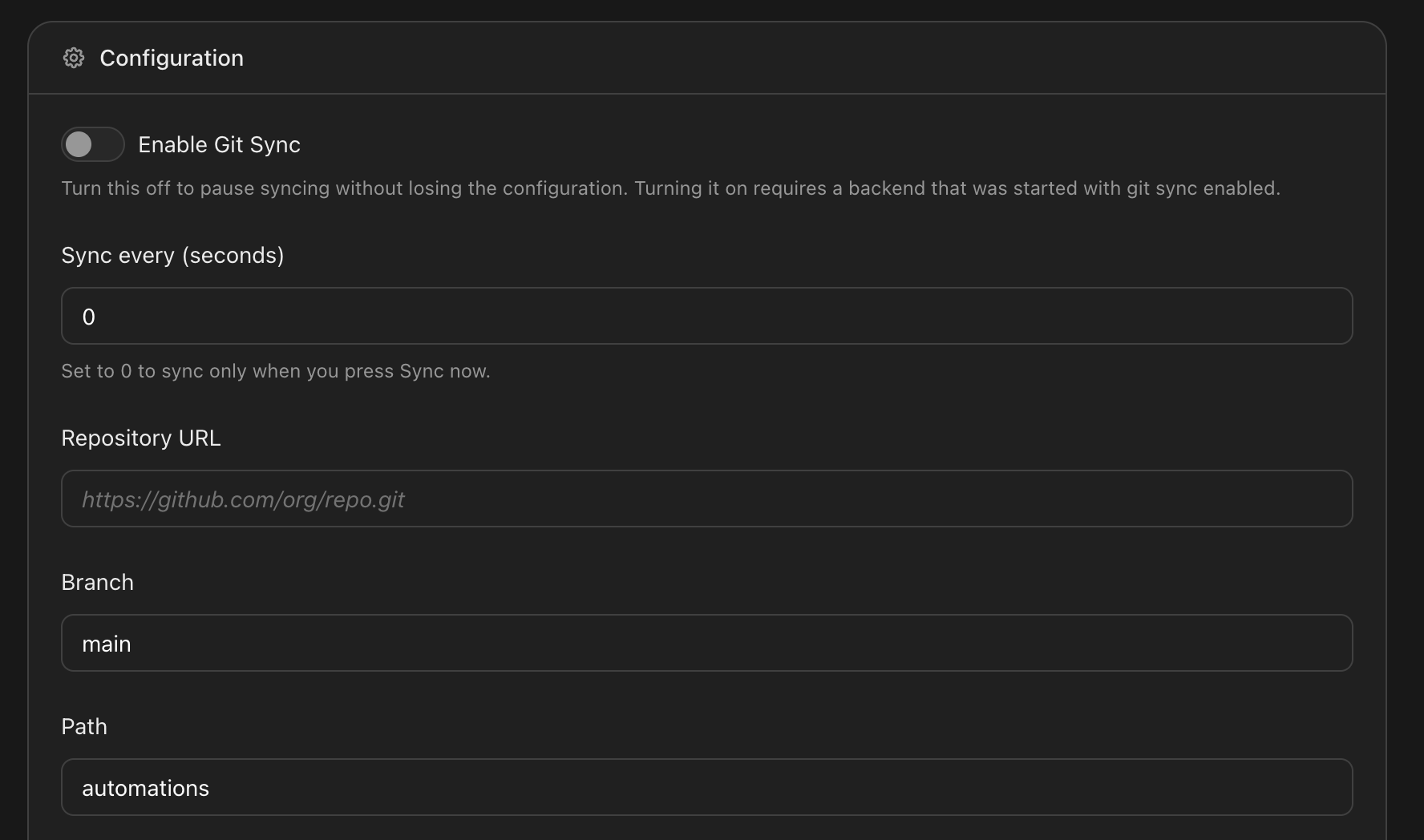
Administrators can now sync OpenHands Automations with a Git repository.
Git Sync provides version history and an off-host backup for Automations while enabling teams to manage changes through familiar Git workflows. Automation updates can be reviewed through pull requests before being deployed, bringing the same review and governance practices used for code to agentic workflows.
Admins can configure this feature under Automations > Git Sync.
Building the control plane for the agentic SDLC
As organizations move from individual coding-agent sessions toward shared, always-on agentic workflows, they need more than just capable agents. They need visibility into what is running, control over credentials and spend, and governance over how agents interact with enterprise systems.
These updates continue expanding OpenHands Enterprise as the control plane for organizations building and operating an agentic SDLC.
Ready to scale agent workflows across your organization? Request a demo to learn how OpenHands gives your team centralized control over automations, access, and usage.

Get useful insights in our blog
Insights and updates from the OpenHands team
Sign up for our newsletter for updates, events, and community insights.
OpenHands is the foundation for secure, transparent, model-agnostic coding agents - empowering every software team to build faster with full control.



