What Are Coding Agents? A Developer's Guide to Agentic Coding (2026)
Written by
OpenHands Team
Published on
Engineering teams in 2026 are spending less of their day on the work that piles up faster than any one developer can clear it. The dependency upgrades, the vulnerability patches, and the structural refactors that show up across services are now being handed to coding agents that read a task, write the code, run the tests, and open a pull request (PR) you can actually review.
That path from a ticket to a merged PR is called the outer loop of engineering, and it's where coding agents pick up where the autocomplete tools before them couldn't. This article covers what a coding agent is, how the agentic loop works, the difference between coding agents and AI coding assistants, and what it takes to get real engineering work out of them.
What is a coding agent?
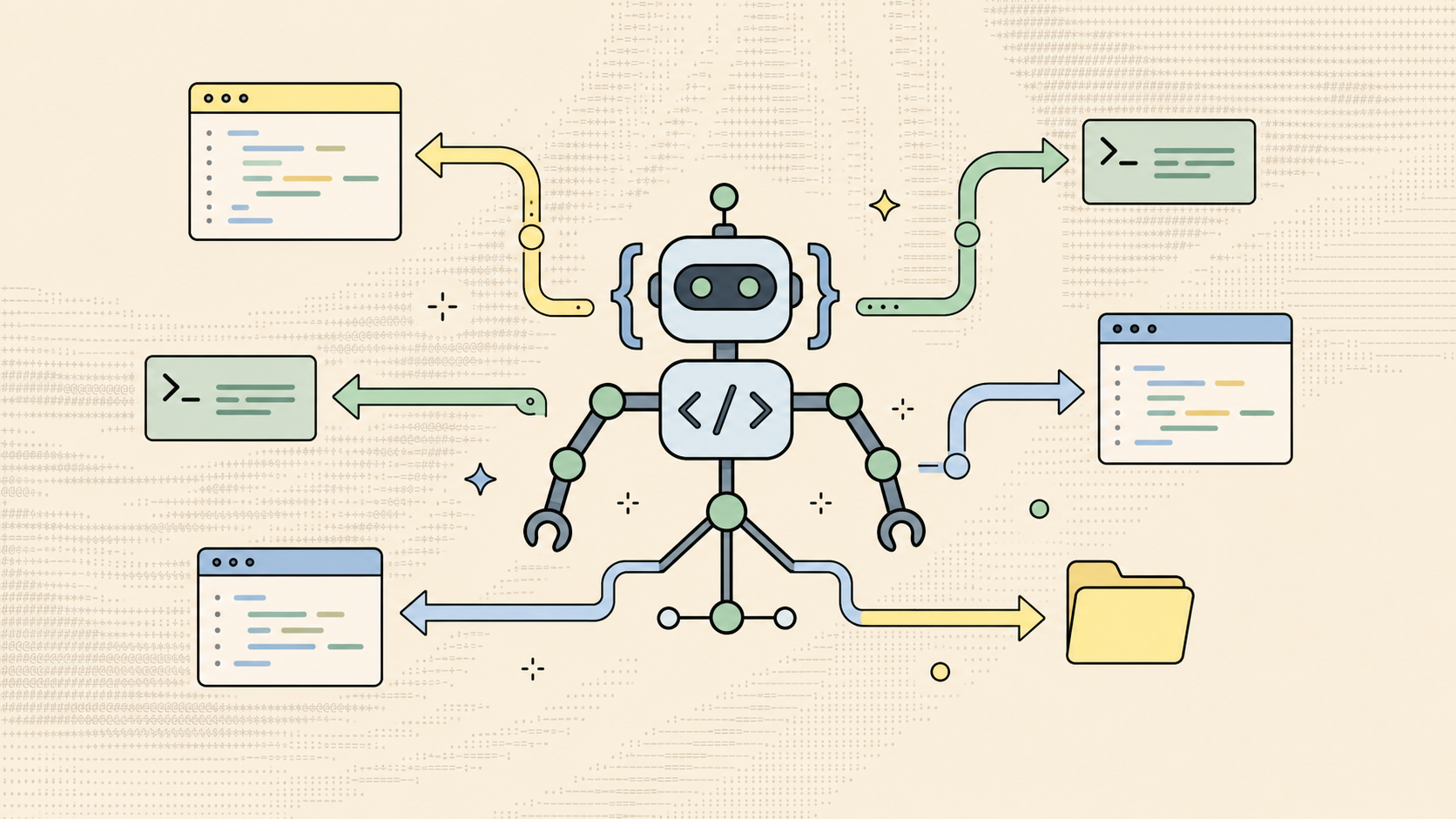
A coding agent takes a software task in plain language and keeps working until it's done, which usually means writing code, running it, reading the output, and trying again when something fails. That behavior separates an agent from autocomplete tools and chatbots, which return text without executing it.
Coding agents "can both generate and execute code, allowing them to test that code and iterate on it independently of turn-by-turn guidance from their human supervisor," as Simon Willison puts it in his agentic engineering patterns write-up. These are the three main features of a coding agent:
-
Execution: The agent runs the code it writes, not just prints it.
-
Self-correction: When tests fail, the agent reads the error and tries again without you re-prompting.
-
Autonomous iteration: It pursues a goal across many steps and keeps state the whole way through.
Once those three properties come together, the work an agent can carry from start to finish stretches well beyond writing the code itself:
-
End-to-end features: Read an issue, plan it, write code across multiple files, and open a reviewable PR.
-
Debugging and root cause: Trace failures through logs and test output, find the cause, and generate fixes.
-
Refactors and migrations: Dependency upgrades, monolith decomposition, and structural changes that eat senior engineering time.
-
Test generation and execution: Write test cases that match existing patterns, run them, and iterate until they pass.
-
Code review and documentation: Summarize PRs, flag issues, and generate docs from commits.
Github's Copilot coding agent alone has merged more than a million pull requests on production repositories since general availability, and the agentic loop behind that volume is shared across almost every coding agent on the market today.
How a coding agent works
Most coding agents share a similar setup under the hood, and the four pieces below are what you'll find inside almost any one of them.
The large language model (LLM) at the core
A coding agent wraps a large language model (LLM) inside an agentic loop, and some platforms (including OpenHands) call that wrapper a "harness." The LLM handles reasoning, and the harness handles context, tool routing, permissions, and state, which is what lets it run on top of any model you point it at.
Tools the agent can call across file system, terminal, and browser
What you can get an agent to finish on its own is shaped by what it can touch. An analysis of thirteen coding agent scaffolds found a common set of tool categories:
-
File system: Read, write, search, and list directory contents.
-
Shell or terminal: Run tests, build commands, and package installs.
-
Code execution sandbox: Run snippets in isolation.
-
Browser or web: Fetch documentation and query APIs.
-
Version control: Commit, diff, and create pull requests.
This tool breadth maps to what an agent can finish without you. An agent stuck on editor text is limited to syntax errors, while one that runs your tests and reads your logs can close PRs for your team.
The agentic loop that plans, acts, observes, and iterates
The outer loop that turns a goal into a finished PR is what makes agents different from any AI tool before. The most common shape is the ReAct loop (Reasoning and Acting), introduced by Yao et al. in 2022, which alternates reasoning and actions.
while not done:
obs = observe_environment()
act = LLM(goal, history, obs)
execute(act)
history.append((obs, act))
The agent reasons, acts, observes, and repeats. Production systems bound the step count and validate each action to keep runaway loops from rewriting files they shouldn't touch.
Context and memory management
Every coding agent works inside a finite context window, which gets expensive fast and runs out faster than you'd expect. Agents stretch it with sliding windows, on-demand summarization, and file-based memory that persists critical state across sessions.
How coding agents differ from AI coding assistants
A coding agent does the work where a coding assistant only suggests it. That single difference shows up in everything from the prompts you write to the controls your security team will ask for before letting an agent near production.
| Dimension | Coding assistants | Coding agents |
|---|---|---|
| Input | Prompts, partial code, cursor context | High-level goals or issue descriptions |
| Output | Code suggestions to review | Executed actions in your codebase |
| Scope | Single file or function | Whole repository or many repositories |
| State | Stateless between calls | Persistent across the task |
| Workflow | One-shot response | Plan, act, observe, iterate |
| Tools | None, or read-only | File system, terminal, tests, browser, git |
| Examples | Copilot autocomplete, ChatGPT coding chat | OpenHands, Claude Code, Devin |
Inputs: prompts vs. task-level goals
An AI coding assistant runs on prompts and the cursor context around the line you're typing. A coding agent works from a task-level goal like a GitHub issue, a Sentry alert, or a Linear ticket, and decomposes it itself.
Your job shifts from prompt engineering to ticket writing. You describe the outcome, and the agent figures out which files matter and what steps to take.
Outputs: suggestions vs. executed actions in your codebase
An assistant returns suggestions you accept or reject one keystroke at a time. A coding agent commits executed actions directly to your codebase, so the output is a working change with files written, tests run, and a PR opened for review.
Replit Agent 3 has been documented running up to 200 minutes continuously without a developer in the loop, which is enough time to deliver an entire component before you have to check in on it.
Scope: single file vs. whole repository
A coding assistant scopes to the file you have open and the lines around your cursor. Coding agents work at repository scale and pull context across many files (and sometimes many repos) as they go.
A refactor, a schema migration, or a security patch across services usually has callers and downstream effects you can't see from a single open file, and a coding agent needs that wider view to land the change without breaking anything else. Agents search the codebase, follow imports, and load only what they need.
State: stateless calls vs. persistent task context
An assistant forgets between calls because it doesn't have the ability to remember context. A coding agent holds the cloned repository, test results, and iteration history for the full arc of a task.
Persistent state lets the agent come back to a failed test or half-finished migration without reloading everything. It also lets you walk away and come back to a workflow still running on the same plan.
Workflow: one-shot output vs. plan, act, observe, iterate
An AI coding assistant returns a one-shot response, after which you need to prompt it again. A coding agent plans, acts, observes the result, and iterates, retrying automatically for dozens of cycles when something fails.
That cycle is what turns a task description into a finished PR without you stepping in at every step. When a test fails or a build breaks, the agent reads the output and tries again instead of waiting for you to do it.
Tools: read-only access vs. file system, terminal, and MCP
A coding assistant has no tools, or read-only access at best. A coding agent reaches the file system, terminal, version control, and external services through standards like the Model Context Protocol (MCP).
With those tools, the agent runs your test suite, queries your API docs, opens a PR with the right reviewers, and pulls stack traces from your error tracker. MCP means any compliant agent can plug into your stack without a custom integration for every system.
Examples: assistants, agents, and the layer above
Copilot autocomplete and ChatGPT coding chat sit on the assistant side, where you get help one line at a time. Claude Code, OpenAI Codex, and Devin sit on the agent side. You run them as individual agent sessions on your laptop or in a cloud sandbox.
OpenHands is an open-source platform for building and running AI coding agents, and it sits one layer above the agents themselves. Through Agent Canvas, its local-first visual workspace, OpenHands runs Claude Code, OpenAI Codex, Gemini CLI, and the OpenHands harness as building blocks via the Agent Client Protocol, and it adds the multi-agent management, automations, sandboxed runtimes, and org-wide control no single agent session can offer on its own.
The four types of coding agents
Coding agents fall into four shapes by where they live and how much autonomy they have. Most teams move up the ladder over time, often running more than one shape at once.
Inside-the-editor IDE agents
An integrated development environment (IDE) agent works inside your editor with multi-file edits and execution you can watch in real time. Cursor, Windsurf, and Copilot's agent mode live here, and it's where most developers meet agentic coding first.
Terminal and command-line interface agents
A command-line interface (CLI) agent runs from your terminal, reading codebases, running shell commands, editing files, and iterating against text output. Claude Code, Aider, OpenHands CLI, and OpenAI Codex CLI sit here, and CLI agents are the natural next step when you want to delegate more than your IDE allows.
Pull request (PR) agents
A PR agent integrates into git workflows and triggers on pull request events. They review code, leave comments, summarize changes, and spawn fix agents on the same PR, all without you at the keyboard.
Cloud agents
A cloud agent runs in an isolated sandbox you assign work to and walk away from. Devin, OpenAI Codex in cloud mode, and similar tools are examples, where you hand over a task and the agent plans, implements, tests, and submits a reviewable PR without you watching. OpenHands sits one layer above these individual cloud agents and runs Claude Code, OpenAI Codex, Gemini CLI, and others as building blocks inside a control plane that handles automations, scheduling, and org-wide control.
Limitations and risks of coding agents
Coding agents do more engineering work than any tool before them, and most teams that adopt them don't go back. The same reach that makes that possible (file system access, shell execution, version control, codebase-wide context) is also what makes them inherently riskier than an AI coding assistant that only writes inline suggestions.
The risks below are worth keeping in mind before an agent touches your production codebase.
Why agent-authored pull requests get rejected
An empirical study of more than 33,000 agent-authored pull requests on GitHub found that not-merged PRs involve larger changes, touch more files, and fail continuous integration (CI) more often than human-authored ones. The more work an agent has to coordinate across files in a single shot, the more chances it has to break something subtle, and the more critical your CI gate becomes. Keeping agent-opened branches narrow and your CI gates disciplined is the simplest hedge against this, since tests and reviewers will catch what a diff scan won't.
Project memory across long-running agent work
Coding agents struggle with project memory across sessions, since each conversation starts fresh without a built-in record of decisions made last week or conventions other agents already learned. A simple AGENTS.md file in your repository root helps, but it stops carrying the weight once your codebase grows past a certain size. Teams running agents over weeks usually end up with codified context files, retrieval hooks, or a dedicated memory layer that holds prior decisions where the next agent run can find them.
Skills and Plugins are how OpenHands handles this. Both let your team codify conventions, prompts, and tools once and have them show up in every agent run that follows.
Security, secrets, and supply-chain risks
Coding agents create a larger attack surface than an AI coding assistant ever does, since they actually touch your file system, shell, and version control. An agent can be tricked into running malicious actions if any of the inputs it reads (a config file, a comment in a PR, a fetched web page) carries a prompt injection. Researchers have already disclosed more than 30 vulnerabilities across mainstream coding tools, mostly using exactly that pattern.
OpenHands hardens this at multiple layers, with sandboxed runtimes by default for every action, scoped permissions that narrow what each agent can touch, and an open-source harness your security team can audit line by line before any of it ships. The same platform also runs proactively against your existing backlog through the OpenHands Vulnerability Fixer, an open-source workflow that scans repositories with Trivy, fixes the vulnerabilities it finds with parallel agents, and opens PRs against Dependabot alerts and tracked vulnerabilities without a developer chasing each one.
Why human review is still non-negotiable
Agents generate code faster than humans can review it, and that gap is what your team has to staff for. Trust in artificial intelligence (AI) coding tools is shrinking even as usage rises, with 46% of developers distrusting AI accuracy and only 33% trusting it, per the 2025 Stack Overflow Developer Survey. If your code touches authentication, payments, secrets, or untrusted input, it needs human review every time.
For human review, OpenHands is transparent by design. The audit log captures every action an agent takes, reasoning traces are exposed for supported models so you can see why each step happened, and a pre-built Review PRs workflow can run first-pass review on every agent-opened branch before a human reads it.
How to get the most out of a coding agent
Getting real work out of a coding agent comes down to the inputs you give it, the environment you put it in, and the review loop you wrap around it:
-
Clear, specific task descriptions: "Add tests for authentication.ts" is too vague, while "write a test covering the logout edge case, using tests/ patterns and avoiding mocks" gives the agent enough to finish.
-
The right environment and tool access: An AGENTS.md at the repository root that spells out style rules, forbidden patterns, and off-limits directories makes the conventions engineers take for granted usable by an agent.
-
Runtime sandboxing: A dedicated container or VM with restricted tool access cuts the blast radius and removes per-action permission prompts, a pattern the OpenHands sandbox docs cover.
-
Verification before merge: Atomic commits, draft PRs for every agent branch, and layered guardrails like pre-commit hooks, branch protection, and CI scanning hold agent work to the same standard as any other code.
All four of these practices need to be in place together, and missing any one of them is where most agent rollouts start to slip.
Where OpenHands fits in autonomous coding agent workflows
OpenHands is the open-source platform for building and running AI coding agents, with the interface, automations, and control layer to take you from a single local agent on your laptop to a system running across your whole engineering organization. Where in-editor assistants and CLI tools live in the inner loop with you at the keyboard, OpenHands is the layer above where the work keeps running after you close the laptop.
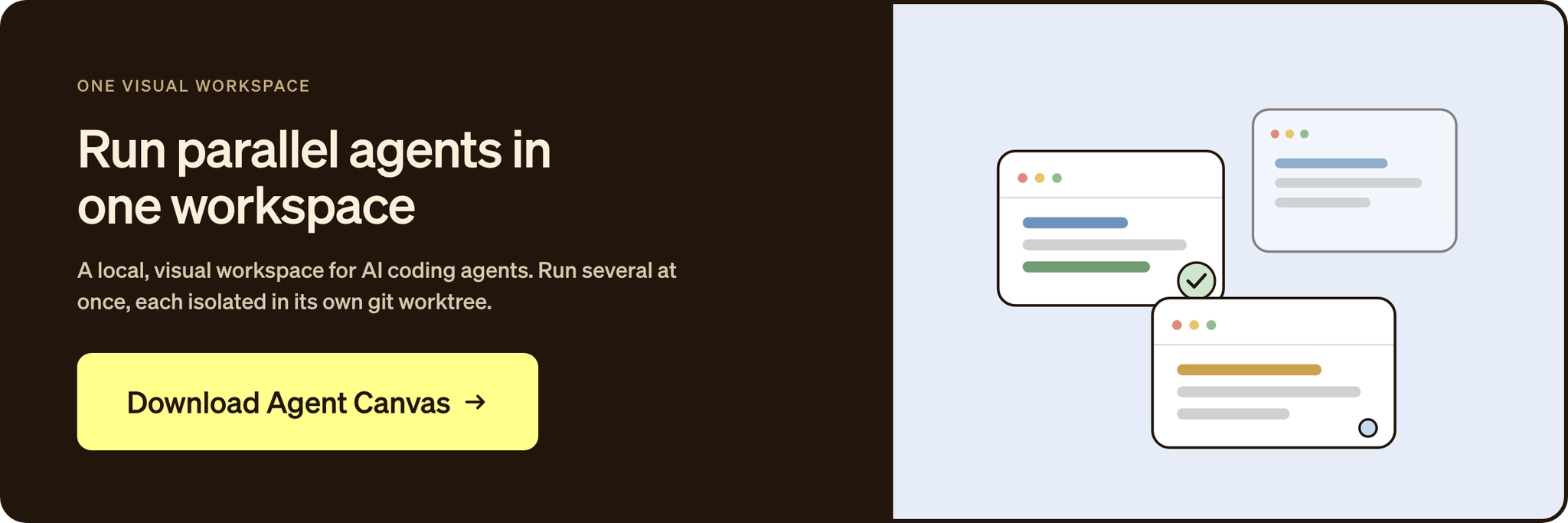
The primary interface is Agent Canvas, a local-first visual workspace that runs Claude Code, OpenAI Codex, Gemini CLI, and the OpenHands harness through the Agent Client Protocol. You keep the tools, the models, and the subscriptions you already pay for, and Agent Canvas adds what those tools cannot do natively, including multiple agents in parallel, scheduled and event-driven automations, and a shared workspace for the agents you are already running.
As usage spreads from one developer to a whole team, the same workspace moves up the ladder. Agent Canvas connects to a remote virtual machine (VM), to OpenHands Cloud for always-on automations triggered by GitHub, Slack, Jira, or Linear, and into OpenHands Enterprise for the full Agent Control Plane with self-hosting, single sign-on, role-based access, audit logs, and cost attribution. OpenHands runs the platform against itself, with about 20% of its own codebase authored by OpenHands agents.
Coding agents are changing how software gets built
Engineering teams in 2026 are running coding agents on more and more of the work that used to fill a developer's day. The developer's role evolves with that change, from typing one line at a time in an editor to managing a stack of agent runs that touch the codebase in parallel. Teams that build the muscle for that shift ship faster without giving up disciplined review.
Benchmarks won't tell you whether outer-loop agents fit your codebase, so pick a real ticket from your backlog (a flaky test, a stale dependency, a security patch) and run it through OpenHands end to end. Start locally with Agent Canvas, bring the coding agent you already use, and run your first automation today.
Frequently asked questions about coding agents
What's the difference between a coding agent and an AI coding assistant?
An assistant like Copilot autocomplete suggests text you accept or reject one keystroke at a time. A coding agent takes a goal, writes the code, runs it, observes the result, and iterates until the task is done. Execution and self-correction are what make outer-loop work possible.
Are coding agents safe to use on production code?
With the right guardrails, yes. Run agents in sandboxed environments, layer deterministic checks like pre-commit hooks and CI scanning over advisory instructions, and treat agent code with the same scrutiny as any outside contribution. The OpenHands quickstart walks through the deployment options to choose from.
Can coding agents replace software engineers?
No, and the survey data backs that up. The 2025 Stack Overflow Developer Survey found 63.6% of developers don't see AI as a threat to their jobs. Agents handle structured work like bug fixes and dependency updates, while architectural decisions and ambiguous requirements stay human. The OpenHands community is built around that division of labor.
What's the best coding agent to use in 2026?
It depends on where the work sits. CLI tools like Claude Code and the OpenHands CLI fit hands-on terminal work, and IDE tools like Cursor and Copilot fit editor work where you're at the keyboard. For outer-loop work that runs autonomously across teams and repositories, OpenHands sits one layer above those individual agents. Through its primary interface, Agent Canvas, it runs Claude Code, OpenAI Codex, Gemini CLI, and others as building blocks inside a control plane with automations, sandboxing, and audit.
About OpenHands
OpenHands is the open-source platform for building and running AI coding agents, with the interface, automations, and control layer needed to go from a single local agent to a system running across an entire organization. The mission is to make agent-based software development accessible, transparent, and controllable by default. That starts in the open. The core framework is open source, giving developers and platform teams full visibility into how agents execute work and interact with their systems. The project has over 78,000 GitHub stars, 9 million downloads, and contributions from hundreds of developers. OpenHands is used by engineers at large enterprises and fast-growing startups to build, run, and scale AI coding agents across real software engineering workflows. The long-term vision is to become the full stack AI coding agent platform for software engineering. Not just helping developers write code, but running meaningful parts of the software lifecycle.


Get useful insights in our blog
Insights and updates from the OpenHands team
Sign up for our newsletter for updates, events, and community insights.
OpenHands is the foundation for secure, transparent, model-agnostic coding agents - empowering every software team to build faster with full control.



