Claude Code vs Cursor: Which AI Coding Tool to Use in 2026
Written by
OpenHands Team
Published on
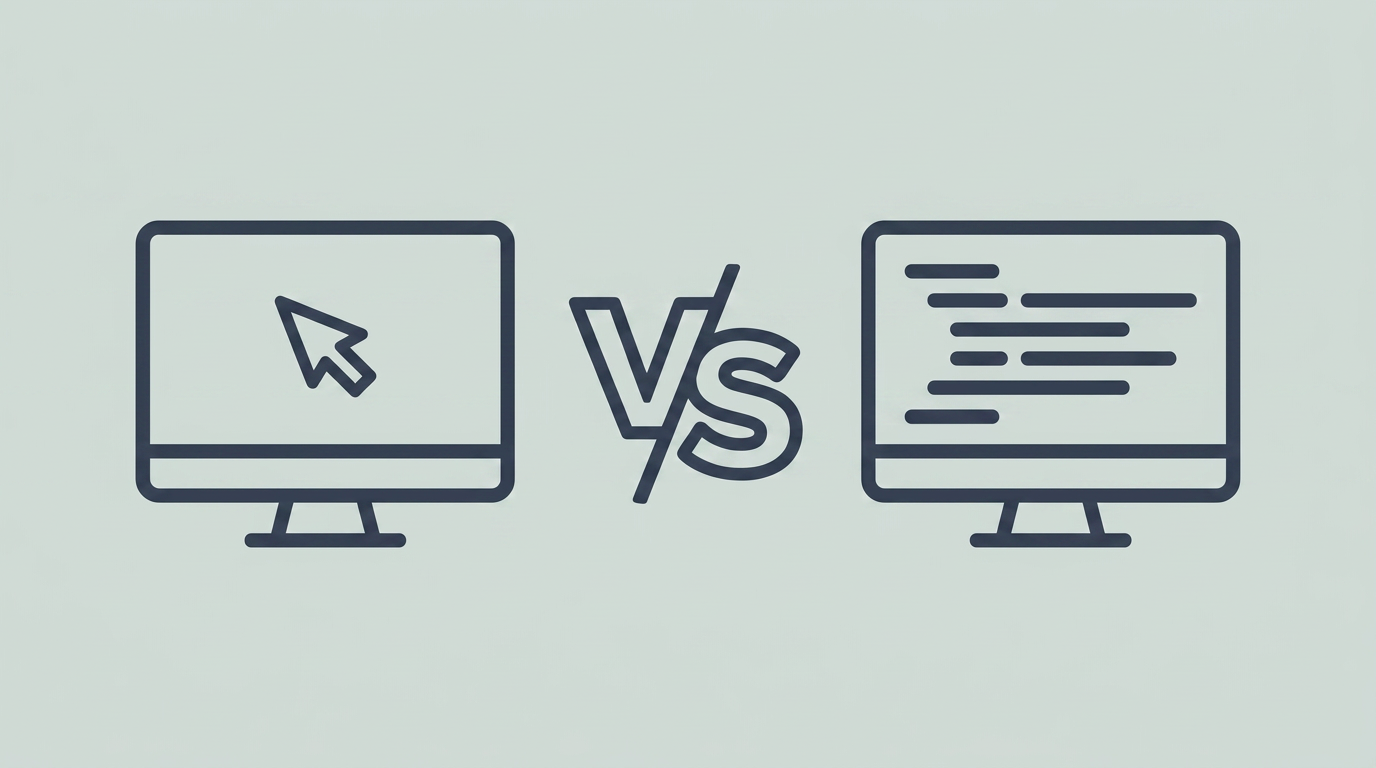
Claude Code and Cursor keep coming up when developers are deciding how they want to build in 2026. Although they start from different developer workflows, their capabilities increasingly overlap. Claude Code lives in the terminal, where you describe a task and let an agent carry it across your files while you review the result. Cursor keeps you in the editor instead, where each change lands as a diff you steer as it happens.
Both can support local development and cloud-backed execution, but code location still matters. Claude Code and Cursor can differ in what gets processed locally versus sent to model providers, how cloud-agent execution is handled, how each tool indexes a codebase, how long data is stored and retained, what enterprise privacy controls are available, and what telemetry each product collects.
Once those data-boundary requirements are understood, the main day-to-day distinction is how each tool moves from a request to a change you approve. Both support local development workflows and remote capabilities, but they organize those workflows differently.
This guide covers what each tool is built for, how they compare across interface, autonomy, models, context, execution, and cost, when to reach for one over the other, and where OpenHands fits once agent work needs to run beyond a single local session.
Claude Code vs Cursor: matching the tool to your workflow
Claude Code tends to fit developers who prefer delegating scoped, multi-file tasks from a terminal-oriented workflow. Cursor tends to fit developers who want the AI experience embedded in an editor, with diffs and code visible as they work. The better choice depends less on raw coding capability than on interface, model strategy, execution model, and review style.
Both tools can run locally as the interface or execution environment, but the models behind them are generally remote unless a specific local-model path is supported and configured, and data handling depends on the selected provider, plan, and configuration.
Claude Code and Cursor can both support work beyond a purely local interactive session. The broader platform question appears when teams need to standardize scheduled or event-driven workflows, coordinate work across repositories, and apply consistent controls across multiple agents and users. That is where a platform layer becomes relevant. Whichever one you pick, that layer runs alongside it rather than asking you to switch, so the choice is not a fork you get locked into.
What is Claude Code?
Claude Code is Anthropic's coding agent for terminal-first and related development workflows. A developer describes a task, the agent reads the repository, edits across files, runs commands, and hands back a diff for review. It is centered on delegated work within the Anthropic ecosystem rather than broad model choice.
Key features:
-
Interface: Claude Code runs as a terminal CLI in your shell, with extensions for Visual Studio Code and JetBrains editors when you want inline diff review.
-
Autonomy: You hand over a scoped task and check the result, an approach that can work for refactors, migrations, or test repair that reach across several files, depending on how well the task is scoped.
-
Models: Claude Code centers on Anthropic's models, limits, and managed services, which narrows model choice for teams that have not already standardized on Anthropic.
-
Context: The agent reads your repository during a run and follows a CLAUDE.md file you keep in the project for standing instructions.
-
Execution: Work starts from a local CLI and can move onto Anthropic-managed cloud surfaces, so it covers local and off-machine runs.
-
Cost: Usage runs on Claude plan tiers, and a heavy agentic session burns tokens fast enough that spend matters as much as the monthly price.
Pros:
-
Terminal-first workflow: Fits developers who already work primarily from the shell or remote development environments.
-
Delegated task execution: Can take on scoped, multi-file changes without requiring the developer to steer every edit interactively.
Cons:
-
Single-vendor lock-in: Claude Code runs Anthropic's models and managed services, with no built-in way to run a different vendor's agent alongside it or a second model to check the first.
-
Little cross-workflow management: Claude Code is centered on Anthropic’s agent environment rather than providing a neutral control layer for scheduling, observing, and governing multiple coding agents across a team.
-
Provider-dependent pricing: Teams remain subject to Anthropic’s plans, usage limits, and pricing changes.
Best for: Developers who prefer terminal-based delegation, work primarily within the Anthropic ecosystem, and regularly hand off scoped multi-file tasks for review.
What is Cursor?
Cursor is an AI-native code editor built on Visual Studio Code. It combines autocomplete, inline edits, multi-file changes, and agent workflows in one editor, making it most relevant to developers who want the AI experience embedded directly in the coding surface.
Key features:
-
Interface: Cursor keeps autocomplete, inline edits, multi-file changes, and visual diffs inside one editor built on Visual Studio Code.
-
Autonomy: You steer changes as diffs land, and background and cloud agents in the Agents Window take on longer unattended runs when you step away.
-
Models: Cursor runs Anthropic, OpenAI, Google, and xAI models plus its own Composer model, and it supports your own key.
-
Context: Cursor indexes your codebase into searchable chunks and pulls the relevant parts per prompt, which keeps large projects fast to work in.
-
Execution: Cursor runs locally as your editor and also runs background agents in the cloud, so a run you start at your desk can keep going remotely.
-
Cost: Cursor sells editor plans with usage-based metering, so long autonomous runs draw down credits on top of the seat price.
Pros:
-
Integrated editor experience: Combines autocomplete, editing, agent workflows, and code review in a familiar Visual Studio Code-style interface.
-
Provider flexibility: Supports multiple model providers and, where available, bring-your-own-key configurations.
Cons:
-
Editor-centered architecture: Although Cursor supports background and cloud agents, the product is still organized around Cursor’s own editor and agent environment rather than acting as a neutral platform across independently selected coding agents.
-
Metering on long runs: Long autonomous runs need attention to usage limits, since concurrent agents each draw their own credits.
Best for: Developers who want autocomplete, editing, agent workflows, and visual review inside one editor, especially when access to multiple model providers matters.
Claude Code vs Cursor: the key features compared
The table below lines up Claude Code and Cursor on the six dimensions that decide the pick, in the same order the sections under it work through them, and it reflects where both products stand as of July 2026. One thing to keep in mind is that both tools can run locally as the interface or execution environment, while the models behind them are generally remote unless a specific local-model path is configured, so the split comes down to how you want to work day to day.
| Feature | Claude Code | Cursor |
|---|---|---|
| Interface | Terminal CLI, plus Visual Studio Code and JetBrains extensions | Visual Studio Code-style editor with autocomplete, inline edits, and diffs |
| Autonomy | Delegate a scoped task and review the diff | Steer changes live, plus background agents for longer runs |
| Models | Anthropic models, limits, and managed services | Anthropic, OpenAI, Google, xAI, Composer, or your own key |
| Context | Reads the repository during a run, follows CLAUDE.md | Codebase index with per-prompt chunk retrieval |
| Execution | Local CLI plus Anthropic-managed cloud runs | Local editor plus cloud background agents |
| Cost | Claude plan tiers, token-metered usage | Editor plans with usage-based metering |
Interface
Claude Code puts the work in your terminal. You describe a task at the command line, the agent edits across files and runs commands, and you read the result as a diff, with extensions for Visual Studio Code and JetBrains editors when you want that review inline.
Cursor puts the work in an editor built on Visual Studio Code, so autocomplete, inline edits, multi-file changes, and visual diffs all sit in one window. You keep the code in view as the agent works, which is the point of the surface.
Autonomy
Claude Code is generally oriented toward delegated tasks: a developer gives it an objective, allows it to inspect and modify the repository, and reviews the resulting changes. It can also be used interactively, but its terminal workflow makes task delegation a natural pattern.
Cursor is generally oriented toward in-editor collaboration, where the developer can watch and adjust changes as they happen. Its background and cloud-agent capabilities also support longer delegated work, so the distinction is one of product emphasis rather than a hard boundary.
Both tools can support parts of the outer loop through delegated or background work. The broader platform question appears when teams need to standardize scheduled or event-driven workflows across repositories, users, and coding agents.
Models
Claude Code centers on Anthropic. It runs Anthropic's models, limits, and managed services, which may simplify procurement and administration for teams already standardized on Anthropic, but limits model portability.
Cursor spreads across providers. You can point it at Anthropic, OpenAI, Google, or xAI, run its own Composer model, or bring your own key, which provides broader model choice within the Cursor environment.
Context
Claude Code reads your repository during a run. It inspects the files the task touches and follows a CLAUDE.md file you keep in the project for standing instructions, so context is gathered live rather than prebuilt.
Cursor builds an index first. It breaks your codebase into searchable chunks and pulls the relevant parts per prompt, which is designed to retrieve relevant context without loading the entire repository into each prompt.
Execution
Claude Code supports local terminal workflows and Anthropic-managed remote execution options. Cursor combines a local editor with cloud-based background-agent execution. Both therefore support forms of asynchronous agent work, but within their respective product environments. Teams should compare not only whether remote execution exists, but also how repositories, credentials, network access, logs, and review controls are handled in each environment.
Cost
Claude Code bills through Claude plan tiers, and the real cost is shaped by tokens. A heavy agentic session burns through a plan fast, so what you get back for the spend matters as much as the monthly price.
Cursor sells editor plans with usage-based metering on top, so a single developer editing solo lands near the seat price. Long or parallel agent runs draw down credits and push the monthly bill higher.
When to choose Claude Code, Cursor, or both
You match the tool to how you want work to move, and the six dimensions sort the decision in order. Use these buckets to place your own workflow:
-
Choose Claude Code when: the interface should be a terminal, the autonomy is a scoped task you delegate, Anthropic models cover the work, and the context comes from the agent reading your repository during a run. It fits migrations, test repair, and multi-file changes you can define once and run across a local CLI and Anthropic-managed cloud.
-
Choose Cursor when: the interface should be a Visual Studio Code-style editor, you want your hands on each diff, model choice matters inside one surface, and a fast codebase index keeps a large project responsive. It fits user interface work, function-level edits, and quick refactors that run local-first with cloud background agents.
-
Use both when: different developers or workflows genuinely benefit from different interfaces. For example, one workflow may favor terminal-based task delegation while another favors editor-based iteration. The added subscription cost and duplicated tooling should be justified by meaningful usage, not novelty.
The broader problem shows up when teams need to turn individual agent runs into repeatable workflows that operate on schedules, respond to events, span repositories, and follow consistent controls.
Where OpenHands fits
Claude Code and Cursor are coding tools centered on their own developer experience: one is built around Anthropic’s coding agent, while the other is built around an AI-native editor and its agents. OpenHands operates at a different layer.
OpenHands is an open-source platform for building and running software engineering agents. Agent Canvas can run the OpenHands agent and connect to ACP-compatible external agents such as Claude Code, allowing developers to keep the tools they already use while adding repeatable workflows around them. External agents retain their own authentication, model behavior, tools, and execution environment.
The distinction matters as adoption expands beyond individual sessions. Teams can use OpenHands to create scheduled or event-driven automations, coordinate parallel work across repositories, and apply a consistent operating model across agent workflows. OpenHands Enterprise adds organization-level capabilities such as role-based access controls, audit logs and workflow visibility, usage management, budgets, and cost attribution.
OpenHands does not replace the editor experience Cursor provides or the Anthropic agent experience Claude Code provides. It adds a platform layer for teams that need to run and manage agent workflows beyond a single tool or developer.
Make the right coding tool choice
Claude Code and Cursor are optimized around different developer experiences. Claude Code is generally better aligned with terminal-based task delegation and teams already standardized on Anthropic. Cursor is generally better aligned with developers who want autocomplete, editing, agent workflows, and model choice inside one editor.
Some teams may use both, but that decision should follow actual workflow needs rather than assuming that more tools produce better results.
When the challenge expands from choosing an individual coding tool to standardizing automation, access, cost, and visibility across agent workflows, OpenHands provides the platform layer around that broader system.

Frequently asked questions about Claude Code vs Cursor
Is Cursor better than Claude Code?
Neither one wins outright, since the better tool depends on how you want to work. Cursor tends to fit developers who want the AI experience embedded in an editor with visible diffs, while Claude Code tends to fit developers who prefer delegating scoped tasks from a terminal-oriented workflow and check it afterward. Both can access capable, current-generation models, but results depend on the selected model, task, repository, context strategy, and workflow configuration. So the real question is which working style fits your week, and you can run either agent as a building block rather than marrying one?
Can you use Claude Code and Cursor together?
The two can run side by side. Some developers pair Claude Code's terminal-based delegation with Cursor's editor-based review or refinement, but whether that combination is worthwhile depends on usage patterns, cost, and whether the team benefits from maintaining two overlapping tools.
Which is cheaper, Claude Code or Cursor?
The better comparison is billing shape rather than the headline price. Claude Code usage tracks Claude plan tiers and the tokens a session burns. Cursor usage tracks editor plans, with metering on heavy agent runs. Compare both using a representative set of real tasks, since long-running and parallel agent usage can make either product cost more than the base subscription suggests.
Does Cursor support Claude models?
Cursor supports Claude models from Anthropic alongside OpenAI, Google, and xAI, plus its own Composer model. It also supports bring-your-own-key configurations for certain providers and features, subject to the limitations of the current plan and product documentation.
About OpenHands
OpenHands is the open-source platform for building and running AI coding agents, with the interface, automations, and control layer needed to go from a single local agent to a system running across an entire organization. The mission is to make agent-based software development accessible, transparent, and controllable by default. That starts in the open. The core framework is open source, giving developers and platform teams full visibility into how agents execute work and interact with their systems. The project has over 80,000 GitHub stars, over 9 million downloads, and contributions from hundreds of developers. OpenHands is used by engineers at large enterprises and fast-growing startups to build, run, and scale AI coding agents across real software engineering workflows. The long-term vision is to become the full stack AI coding agent platform for software engineering. Not just helping developers write code, but running meaningful parts of the software lifecycle.


Get useful insights in our blog
Insights and updates from the OpenHands team
Sign up for our newsletter for updates, events, and community insights.
OpenHands is the foundation for secure, transparent, model-agnostic coding agents - empowering every software team to build faster with full control.



